
Tales of Eternia Remastered Performance Details Explained
Steam requirements, console resolution and frame-rate targets, and what actually affects 60fps in the Tales of Eternia remaster.
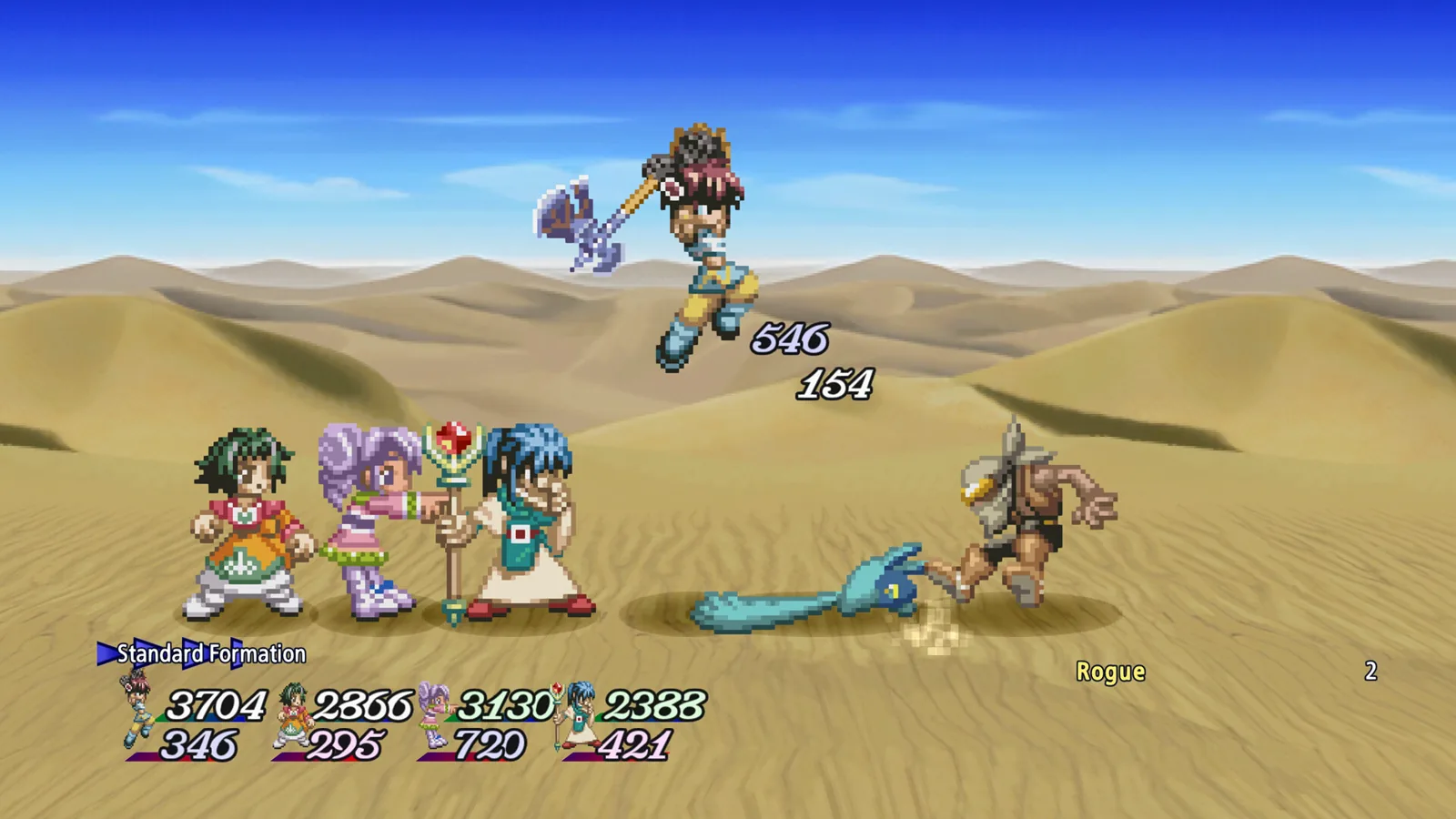
Table of Contents
The remaster is not a demanding game. The official Steam page's own estimate is 1080p at 60fps on both its minimum and recommended tiers — and the hardware for those two tiers is identical. On consoles, the pattern is the same: every published target tops out at 60fps, and resolution is the only thing that separates the platforms. The practical takeaway is that almost any gaming PC from the last several years should clear the bar, and console buyers are choosing a resolution, not a performance mode.
What the official Steam page lists
| Minimum | Recommended | |
|---|---|---|
| CPU | Intel Core i3-8100 / AMD Ryzen 3 3100 | same |
| RAM | 4 GB | 4 GB |
| GPU | GTX 650 Ti (1 GB) / Radeon HD 7770 (2 GB) / Arc A310 (4 GB) | same |
| OS | Windows 11, DirectX 12 | Windows 11, DirectX 12 |
| Storage | 8 GB | 8 GB |
| Estimated performance | 1080p / 60fps, graphics preset "Low" | 1080p / 60fps, graphics preset "High" |
The only difference the page draws between the two tiers is the graphics preset. Both carry the same caveat: framerate might drop in graphics-intensive scenes. Treat 60fps as the page's estimate rather than a promise — that warning is Bandai Namco's own, and it is the most useful expectation-setter on the store listing.
The DirectX 12 note that doesn't match the rest of the page
The recommended block adds a line that contradicts the fields above it: it states that Windows 10 (Version 1809 or later) and a GPU with 4 GB of VRAM are required for the DirectX 12 API, while the OS field reads Windows 11 and the GPU list includes 1 GB and 2 GB cards. The page doesn't say which line takes precedence. canirun.gg flagged the same contradiction in its pre-launch write-up (2026-10-14) and suggested watching that line if your card has less than 4 GB of VRAM. That is a reasonable read: on a small-VRAM card this is the detail to keep in mind rather than something you can settle from the store page alone.
Console resolution and frame rate
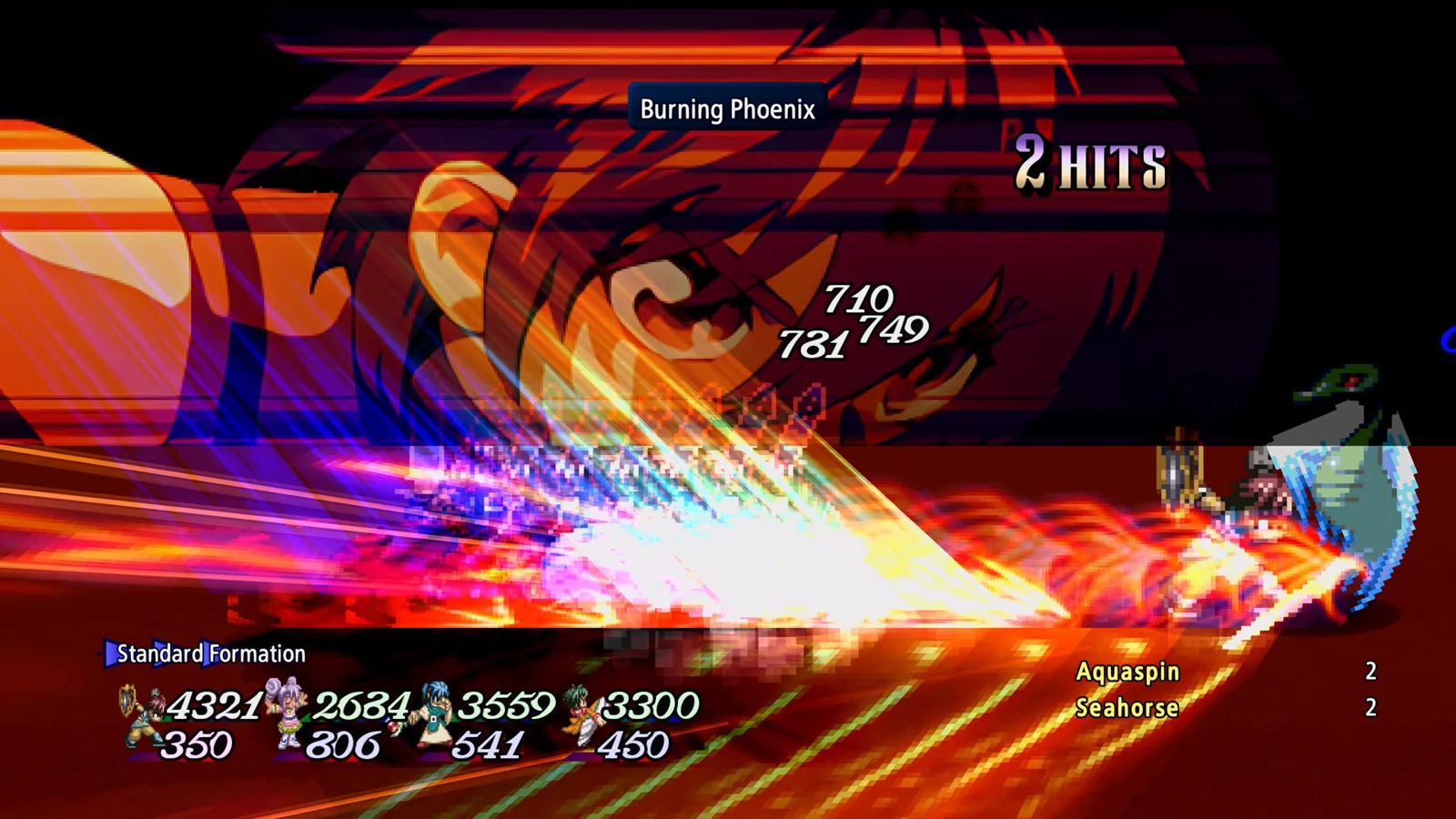
RenderIndex's performance index, which cites Bandai Namco's per-platform spec table, records a maximum of 60fps for every SKU, with these resolution targets:
| Platform | Max frame rate | Resolution |
|---|---|---|
| PlayStation 5 | 60 | 3840x2160 |
| Xbox Series X | 60 | 3840x2160 |
| Xbox Series S | 60 | 2560x1440 |
| Switch 2 (docked) | 60 | 3840x2160 |
| Switch 2 (handheld) | 60 | 1920x1080 |
| Switch (docked) | 60 | 1920x1080 |
| Switch (handheld) | 60 | 1280x720 |
| PC | 60 in the recommended environment | up to 3840x2160, varying with the connected monitor |
A few things worth knowing from that same index: the Xbox Series S is the only cut-back console, every console runs a single fixed configuration with no quality/performance selector, and Bandai Namco's wording is that the frame rate may fluctuate temporarily depending on play situation and environment. As of 2026-10-15, the index leaves the PS5 Pro row empty and notes that Bandai Namco publishes targets only for PS4 and PS5, with the PS4 build playable on PS5 through backward compatibility.
The Switch and Switch 2 releases are separate products — RenderIndex notes there is no upgrade path between them and save data cannot be shared, and the CarpeTendo video recap of the Switch versions repeats that there is no clear upgrade route for saves. The physical Switch 2 edition is a game-key card rather than a full cartridge.
What you can and can't tune
- Consoles: nothing. There is no performance or quality toggle on any console SKU in the published data, so a dip is the temporary fluctuation Bandai Namco warns about, not a setting you forgot.
- Art and audio style: the official Steam page confirms a Graphics Mode and an SFX Mode that toggle between remastered and original presentation at any time. These change the look and sound, not the frame-rate target.
- Quality-of-life toggles: the same page lists destination markers, the ability to disable enemy encounters, and a high-speed mode during auto-battle. These affect pacing rather than performance.
- PC: the graphics preset (Low/High) is the lever the requirements themselves name. As of 2026-10-15, RenderIndex's PC profile does not list an in-game frame limiter or ultrawide support, so don't count on either being there.

Steam Deck and older GPUs
The official Steam page lists Steam Deck compatibility as Verified as of 2026-10-15. canirun.gg's write-up from the day before noted that Valve had not verified it at that point, so the store badge is the more current of the two observations. canirun's spec-based grades also put cards like the GTX 1650, RX 580, GTX 1060 6 GB and RTX 3050 at "Overkill" against the recommended requirement — but that is an automated requirements comparison assuming 16 GB of RAM, not measured gameplay, so treat it as a rough signal. The same write-up notes that the Steam page lists Windows only, with no Mac or Linux version.
If the frame rate isn't what you expected
These are general suggestions, not confirmed fixes: drop the in-game graphics preset to Low (both official tiers target 1080p/60fps, so the preset is the intended lever); update your GPU drivers before blaming the game; and if your card has less than 4 GB of VRAM, revisit the DirectX 12 note above first. On consoles there is no equivalent step — if you see stutter, it falls under the temporary fluctuation the publisher already warns about.
One honest limit on all of this: the community material around launch does not identify specific game builds, so the resolution and frame-rate figures above describe the targets published around the launch window rather than any later patch. Everything here reflects what the official Steam page and the community write-ups said as of 2026-10-15.
Sources
- Tales of Eternia Remastered on Steam — requirements, Deck status, Graphics/SFX toggles and QoL features.
- RenderIndex performance index — per-platform resolution and frame-rate table citing Bandai Namco's spec sheet.
- canirun.gg PC requirements write-up — the DirectX 12 contradiction and spec-based GPU grades.
- Tales of Eternia Remastered review breakdown — QoL toggles and PC requirements in a community review context.
- CarpeTendo Switch 1 & 2 overview — independent recap of the Switch resolution targets and the save-transfer situation.
Next steps
Related Articles
Continue Reading
Specs: PC and Console Targets
What the released PC build asks for, which consoles it shipped on, and what players report about performance.
Switch 2: Release & Details
Nintendo Switch 2 is one of the listed platforms for Tales of Eternia Remastered, launching 16 October 2026 — plus what the listings and trailer show.

Xbox: Release and Details
Xbox Series X|S is a confirmed platform for Tales of Eternia Remastered, launching October 16, 2026 — plus what the Xbox listing shows.
Dub: What We Know
Bandai Namco's remaster is reported to ship a new English dub alongside Japanese voices. What's known about the audio tracks, subtitles and release date.

English Dub: Cast and Skits
Tales of Eternia Remastered English Dub explained: the new cast, dual audio, voiced skits, and whether the 2001 PS1 voices return in the 2026 remaster.
Language and Audio Guide
Which voice and subtitle languages Tales of Eternia Remastered lists, plus notes on importing Japanese and European physical copies.