
Tales of Eternia Remastered Auto Battle: Speed and Boosts
Tales of Eternia Remastered auto battle explained: how to turn on Auto, the high-speed toggle, and the EXP and Gald boost numbers you can set in the menu.
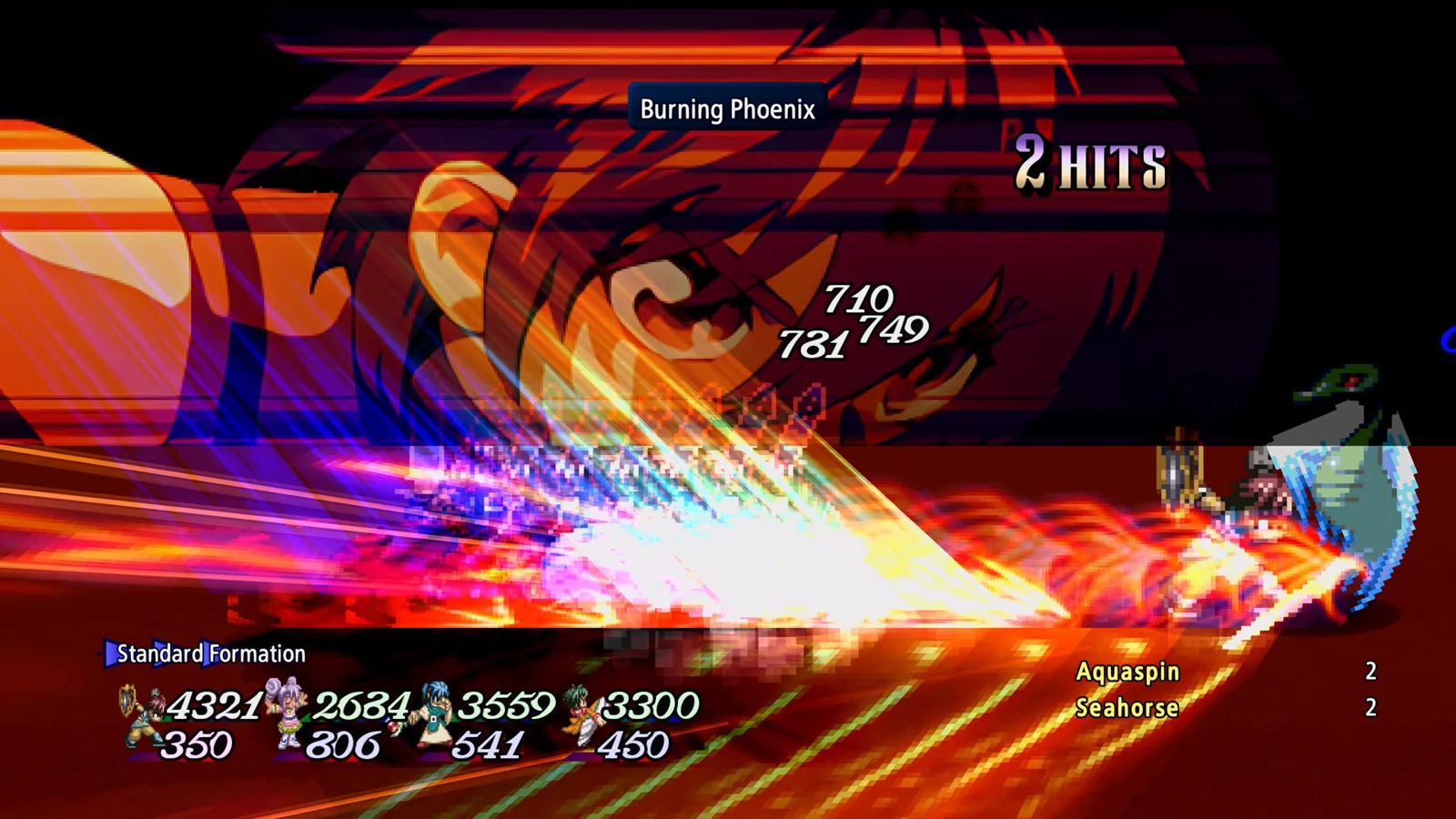
Table of Contents
Tales of Eternia Remastered auto battle takes two steps: set party control to Auto in the battle settings or combat mode menu, then press the acceleration button once a fight starts to run the encounter at high speed. Bandai Namco's store description lists "high-speed mode during auto-battle" among the quality-of-life additions, right next to "destination markers" and "the ability to disable enemy encounters", so the accelerator is part of the package rather than a trick. The numbers behind it — EXP, Gald, damage output, encounter rates — live in the boost menu, and those are the part worth planning around.
How Auto Battle Works, Step by Step
The sequence is short, and it plays out the same way whether you open a fight on a field map or in a dungeon corridor.
| Step | What you do | What changes |
|---|---|---|
| 1 | Set party control to Auto in the battle settings or combat mode menu | The AI takes over your character |
| 2 | Walk into a standard enemy encounter | The fight begins with the AI in control |
| 3 | Press the acceleration button during auto-operation | Combat animation, movement and action execution speed up |
| 4 | Press the button again | Playback drops back to normal speed |
The AI does not freelance. It keeps running the tactics you configured earlier — basic attack chains, Craymel artes, item use — which is why the menu work before the fight matters more than the button press during it. A party with thin orders burns through TP at speed and then stands around waiting to be hit.
Neither the store page nor the June 10, 2026 news post names a key or a pad button for the accelerator. The official wording stops at "high-speed mode during auto-battle", so open your control settings and find the battle-speed binding before you settle into a long grind.
The Boost Settings Behind Auto Battle Numbers
This is where Tales of Eternia Remastered auto battle turns from a convenience into a leveling plan. According to the Tales of Eternia Remastered Wiki, whose settings page was updated October 11, 2026, the menu carries 13 boost options. The official description only mentions the speed mode, so treat the full multiplier list as player-documented rather than published spec.
| Boost | Options | Effect on automated fights |
|---|---|---|
| High-speed auto | Normal / accelerated | Speeds up combat actions while characters fight automatically |
| EXP multiplier | 1x, 2x, 4x, and 0x | Scales experience from automated victories |
| Gald multiplier | 1x, 2x, 4x | Scales currency from completed auto-battles |
| Damage output | Up to 5x | Faster mob clears, heavier damage taken |
| Random encounters | On, Low, Off | How often battles trigger while you walk the map |
| Skill & Cooking proficiency | Up to 4x | Arte mastery and cooking levels grow faster |
The 4x experience and money options also appear in the launch-day report on the game's Steam news hub, described as helper functions that multiply experience and money gain by four. That report flags the damage catch too: the boost applies to enemies as well, and ordinary bosses can drop the whole party in one hit. The wiki puts the damage ceiling at 5x while the launch report mentions a 4x damage multiplier — read the slider in your own build instead of trusting either figure.
Pairing high-speed auto with 4x EXP and 4x Gald is the combination that same fan breakdown points to for clearing standard dungeon encounters in seconds. The 0x entry on the EXP ladder deserves attention as well: experience can be switched off completely. And because modes and boosts are changed from the in-game menu, you are not locked into one setup for a whole playthrough.
Battle Retry, Quick Recovery, and Auto-Save
Automation goes wrong, and three systems soften the landing. None of them appear in the store description; the settings breakdown comes from the same Tales of Eternia Remastered Wiki page.
| Feature | What it does | When it helps |
|---|---|---|
| Battle Retry | Offers a retry on the defeat screen | A 5x damage modifier or a bad pull wipes the team |
| Quick Recovery | One shortcut outside battle restores HP and clears status ailments using inventory items | After a messy automated run, without sub-menu digging |
| Auto-Save | Saves when you move between field maps or finish major events | Long dungeon crawls you forget to save in |
Battle Retry is the one that makes grinding tolerable. A wipe does not kick you back to an older save point — the defeat screen offers the retry, so a lost fight costs time instead of progress. Quick Recovery handles the in-between state where you survived but the party is low on HP and carrying a status ailment into the next room.
Where Auto Battle Falls Short
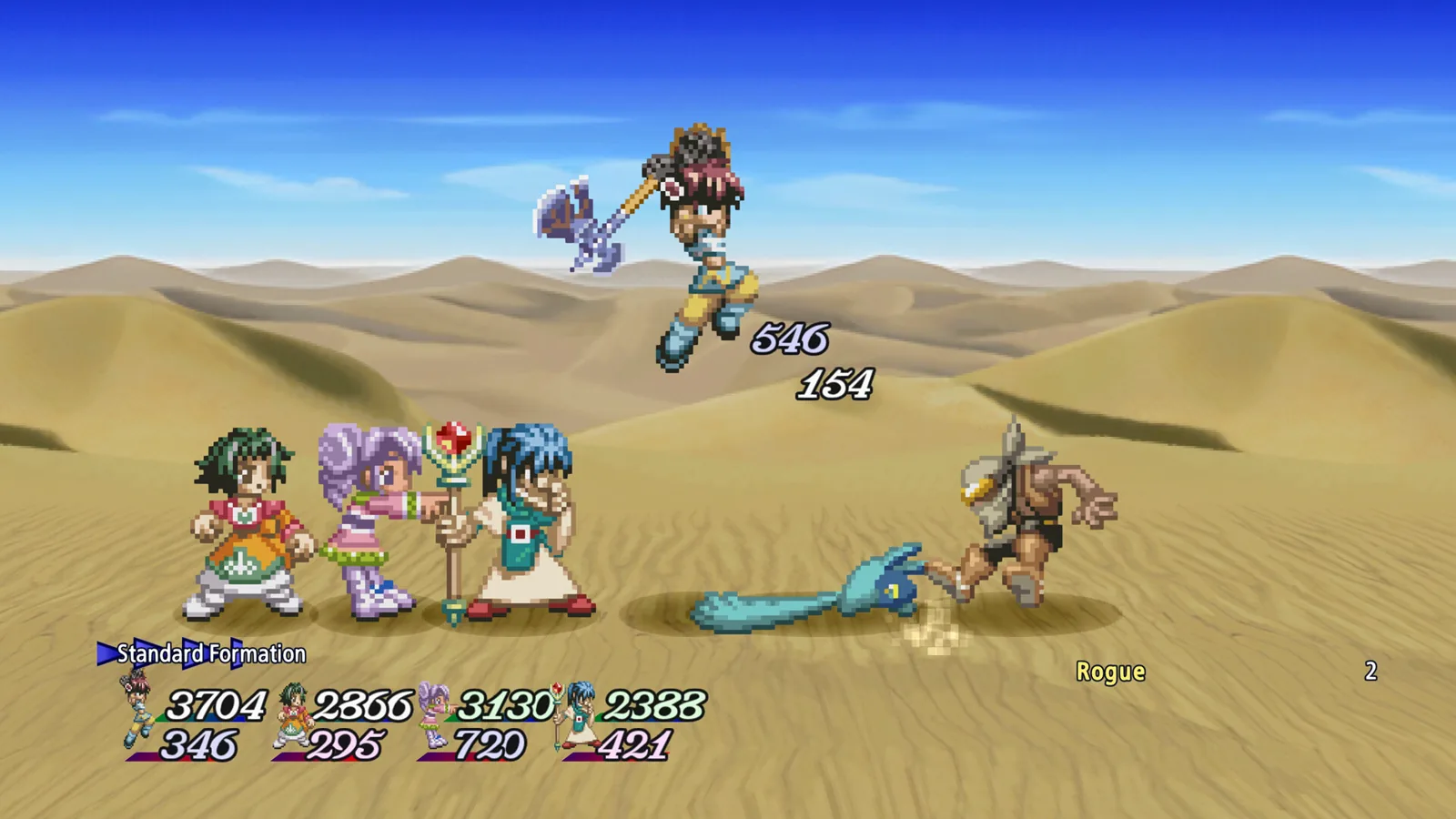
Bosses are the wall. Early hands-on impressions gathered by the Tales of Eternia Remastered Wiki say higher-tier encounters and Greater Craymel fights demand evasion, Craymel Cage artes and item timing that a general AI routine handles badly at accelerated speed. Craymel Cage is one of the remaster's combat additions alongside manual blocking, per a PS5 review from October 14, 2026, which also notes the build is based on the PSP release with a new English localization and skits restored.
| Approach | Settings | Who it suits |
|---|---|---|
| Story-first | High-speed auto on, encounters on Low or Off, EXP at 4x | Players who want dungeons to pass quickly and bosses to stay manual |
| Classic | Boosts at 1x, fights played by hand | Players learning combo timing and TP costs |
The battle system underneath is the Aggressive Linear Motion Battle System, which the official description credits with "diverse Arte usage, continued combos, and coordination with each unique party member" — a lot to ask of a routine running at double animation speed.
Two questions come up again and again. On manual control: the high-speed toggle is described as designed for use while combat is set to Auto, and no official material has announced acceleration for purely manual inputs. On achievements: Steam lists achievement support for the release, but nothing published as of October 18, 2026 says whether automated fights or the multipliers affect achievements or trophies.
One related change: local multiplayer battles are gone because the PSP version is the base, according to the October 16, 2026 launch report, so a second player cannot grab the character you left on Auto.
Platforms and Release Dates
The date depends on which page you read, and both official pages are accurate.
| Platform | Date |
|---|---|
| PC (Steam), store page | Oct 15, 2026 |
| PC (Steam), announcement wording | "Friday, October 16th" — 10/15 15:00 PDT, 10/16 0:00 CEST, per the June 10, 2026 post |
| PS4, PS5, Xbox Series X|S, Switch | October 16, 2026, per the October 14, 2026 post |
| Switch 2 | October 16, 2026, same post |
Those are one launch seen from two time zones, which explains the mismatch on paper. The October 14 post is also where Switch 2 joins the lineup, and the store page credits TOSE CO., LTD. as developer with Bandai Namco Entertainment as publisher.
Which platforms can you play it on?
- PC through Steam — dated Oct 15, 2026 on the store page.
- PlayStation 4, PlayStation 5, Xbox Series X|S and Nintendo Switch — named in the October 14, 2026 announcement.
- Nintendo Switch 2 — added to that same announcement's platform list.
- The wiki says the accelerated auto mode ships with every platform release, and notes Japanese storefronts listing October 15, 2026 instead of October 16.
For a snapshot: on October 18, 2026 the Steam page listed $29.99 for the standard edition and $49.99 for the Deluxe, which bundles a digital soundtrack of 109 BGM tracks, a Battle BGM pack and a Super Growth Support Item Set.
Next steps
- Tales of Eternia Remastered 4x EXP Boost: How It Works
- Tales of Eternia Remastered Switch 2: Release & Details
FAQ
Can you speed up Tales of Eternia Remastered auto battle while playing manually?
The acceleration toggle is described as designed for use while combat is set to Auto. Official text has not announced a speed option for manual inputs, so plan on normal speed whenever you take control yourself.
Do the multipliers or auto battle affect achievements?
Steam lists achievement support, and neither the store page nor the news posts mention restrictions. As of October 18, 2026, whether boosts or automated fights touch achievements or trophies is simply not addressed in official material.
Should you leave auto battle on for bosses?
You can set Auto for standard combat, but early hands-on reports say Greater Craymel fights and higher-tier encounters need evasion, Craymel Cage artes and item timing that the AI struggles with at speed. Switch to manual for those and save the accelerator for trash mobs.
Can you turn random encounters off and still grind?
Yes. Set encounters to Off while you explore, then switch back to On when you actually want fights. The wiki describes that exact loop: walk a dungeon uninterrupted, then re-enable encounters for a fast automated session with your EXP and Gald multipliers already dialed in.
Related Articles
Continue Reading
4x EXP Boost: How It Works
Tales of Eternia Remastered 4x exp explained: how to toggle the boost, what 1x, 2x and 4x really do, the 5x damage trap, and where the menu options sit.

5x Damage: How the Boost Works
Tales of Eternia Remastered 5x damage explained: the full boost table from 1x to 5x, why incoming hits hurt too, and how battle retry softens boss fights.
Achievements: What We Know
No achievement or trophy list is public as of 2026-10-15. Here's what the remaster's platforms, modes and completion-relevant features tell us to expect.

Characters: What Trailers Name
The remaster's pages and trailers don't publish a full character roster. Here's what they do name, what captions garble, and how to check names in game.
English Dub: Cast and Skits
Tales of Eternia Remastered English Dub explained: the new cast, dual audio, voiced skits, and whether the 2001 PS1 voices return in the 2026 remaster.
Language and Audio Guide
Which voice and subtitle languages Tales of Eternia Remastered lists, plus notes on importing Japanese and European physical copies.