
Tales of Eternia Remastered Graphics Comparison Guide
See how Tales of Eternia Remastered graphics comparison works: Remastered vs Original modes, 60 FPS targets, plus platform specs for each console and PC.
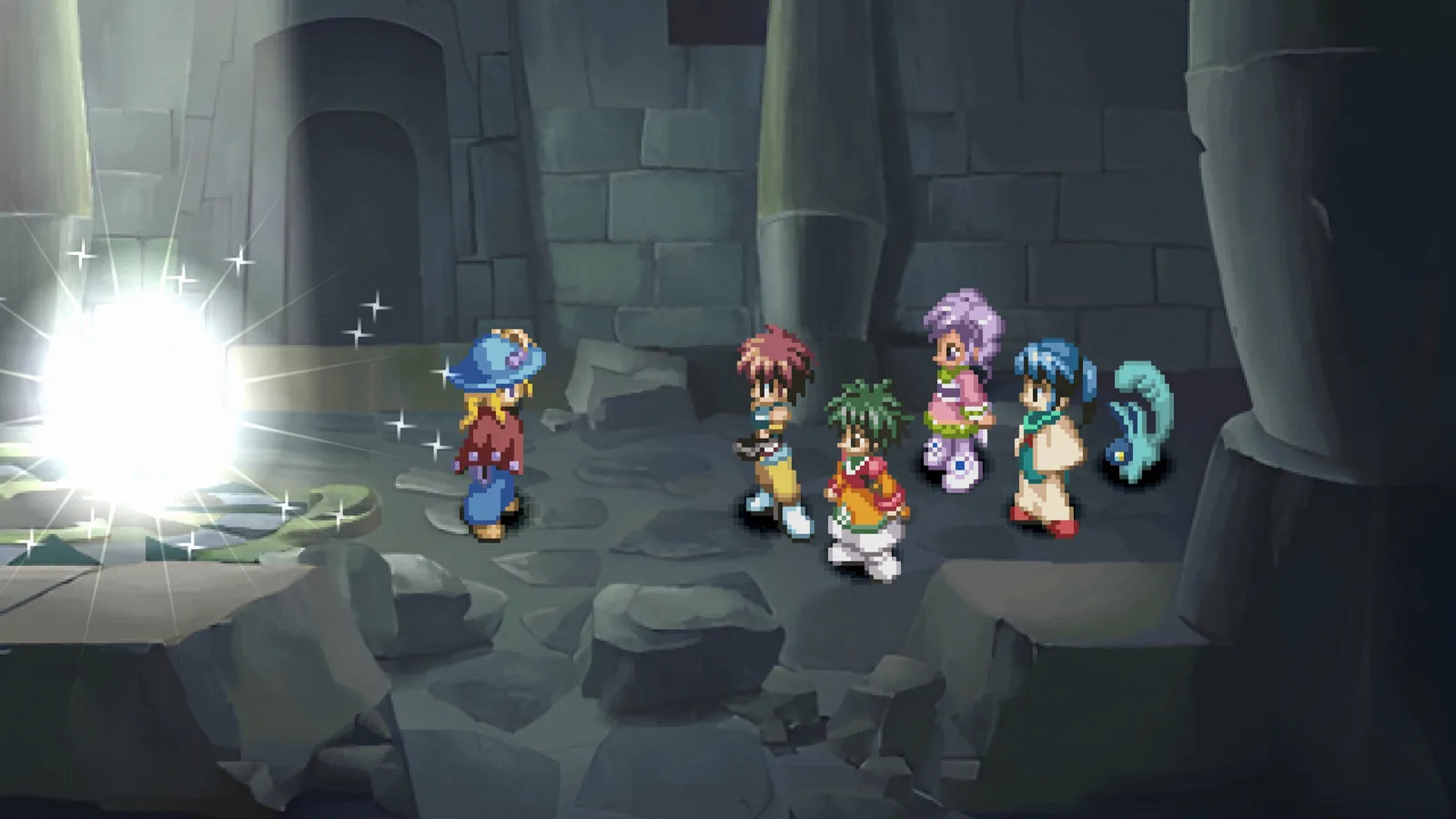
Table of Contents
Tales of Eternia Remastered looks nearly the same on every platform it ships on, and the largest visual change is a menu switch rather than your hardware. That is the short version of the Tales of Eternia Remastered graphics comparison: one setting swaps smoothed, hand-retouched backgrounds for the untouched pixel art of the 2005 PSP release, while resolution, frame rate and font are smaller variables stacked on top. Here is how the toggle behaves, what each build targets, and where the picture still shows its age.
Remastered or Original: What the Graphic Mode Toggle Does
The option is labeled Graphic Mode and sits in the in-game menu, not a launcher or console dashboard. According to Tales of Eternia Remastered Wiki, it flips mid-play, and the Steam store page backs the general idea: "graphics and SFX can be toggled between modes, allowing you to experience the nostalgic atmosphere of the original game." Read that closely — sound effects ride along with the art, so going retro changes more than the background layer.
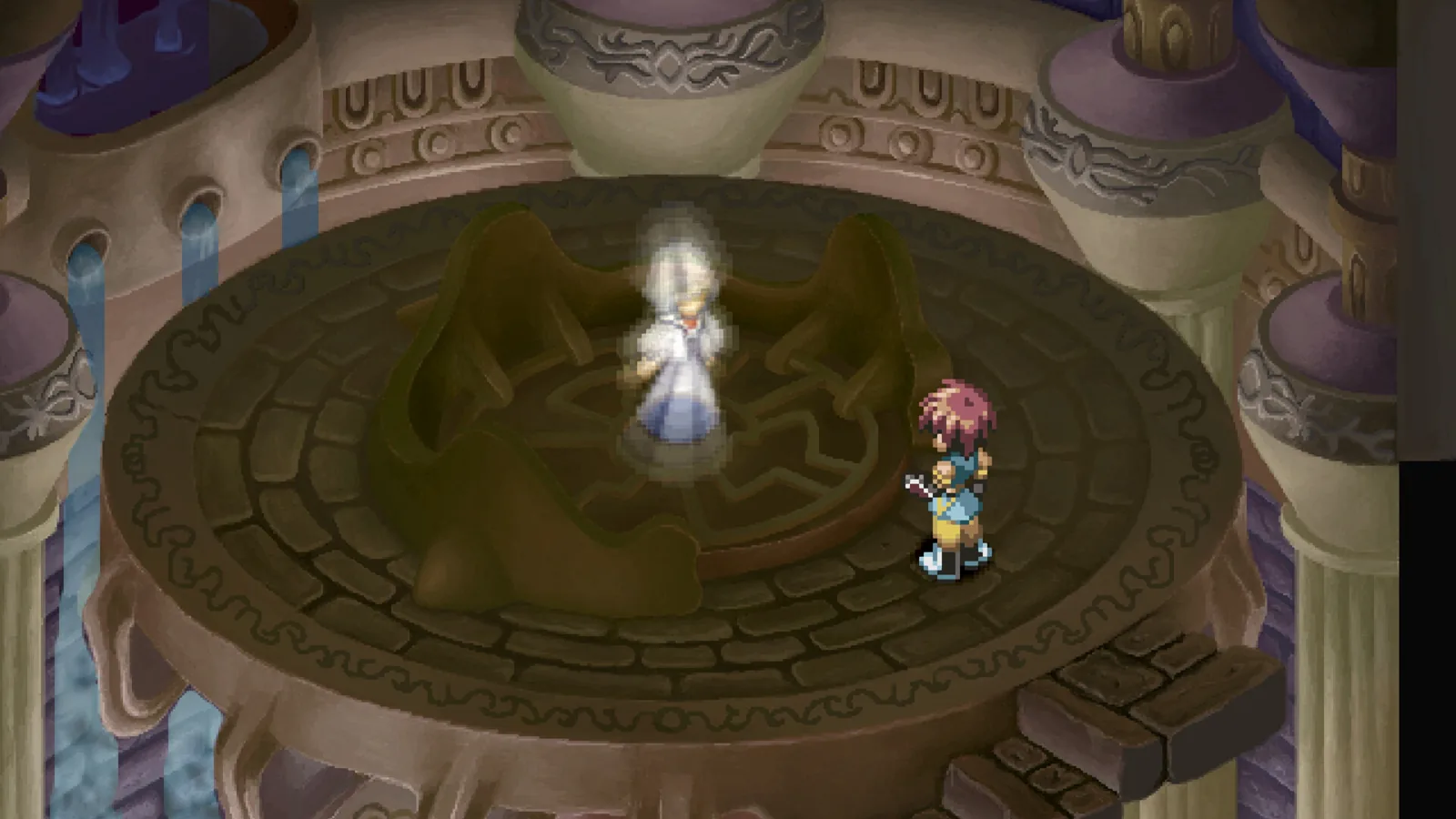
Remastered mode sends backgrounds through a smoothing pass plus manual cleanup, leaving towns and dungeons softer and less granular. Flip between the two in the same room and the trade-off is plain: shadows sit lighter and natural pixel texture flattens. Original mode keeps the classic art as it shipped, dense and blocky, with nothing layered over it.
The retouching explains why two modes exist. The same page notes backgrounds were assembled from 16x16 pixel tiles, and that enlarging those low-resolution PSP assets for 1080p or 4K opened visible seams where tiles meet. Producer Tamaichi is quoted saying the team retouched maps and pixels by hand to close the gaps for big displays.
Sprites sat out that pass. Battle and exploration sprites keep their original base pixel dimensions in both modes — no 3D rebuild, no vector redraw — so characters stay crisp-edged even when the floor beneath them turns soft.
| Layer | Remastered mode | Original mode |
|---|---|---|
| Backgrounds | Smoothed, manually retouched maps | Untouched pixel art built from 16x16 tiles |
| Overall feel | Softer, less granular | Dense, blocky, classic |
| Character sprites | Original base pixel size | Original base pixel size |
| When you can switch | Any time from the in-game menu | Any time from the in-game menu |
Platform Specs Side by Side
Frame rate is where the versions genuinely split. Frame-rate targets posted on Tales of Eternia Remastered Wiki put PS5 and Xbox Series X at 60 FPS, PS4 at 30 FPS, Switch at 60 FPS, and PC at 60 FPS with 1080p as the target. The background toggle, font option and 16:9 widescreen UI appear on each, so nobody loses features by picking a smaller box.
| Spec | PS5 / Xbox Series X | PS4 | Switch | PC (Steam) |
|---|---|---|---|---|
| Target frame rate | 60 FPS | 30 FPS | 60 FPS | 60 FPS at 1080p |
| Background modes | Remastered / Original | Remastered / Original | Remastered / Original | Remastered / Original |
| Font styles | Remaster / Classic | Remaster / Classic | Remaster / Classic | Remaster / Classic |
| Aspect ratio | 16:9 widescreen UI | 16:9 widescreen UI | 16:9 widescreen UI | 16:9 widescreen UI |
| Minimum graphics hardware | Console APU | Console APU | Tegra APU | DirectX 12, GTX 650 Ti / HD 7770, 4 GB RAM |
Official PC requirements are modest, which tells you how light the rendering load is. On October 18, 2026, the Steam store page listed Windows 11, DirectX 12, 8 GB of storage, 4 GB of RAM and entry GPUs (GeForce GTX 650 Ti 1 GB, Radeon HD 7770 2 GB, Arc A310 4 GB), estimating 1080p at 60 FPS for both the "Low" and "High" presets. The same listing adds a caveat worth reading: "Framerate might drop in graphics-intensive scenes."
On availability, the Steam news hub covers the October 2026 launch on PC, PlayStation 4, PlayStation 5, Xbox Series X|S, Nintendo Switch and Nintendo Switch 2, while the store page dates release October 15, 2026.
What Changes Between PS5, Xbox, Switch, PS4 and PC
A fair comparison separates what the art does from what the hardware does — the art barely moves, the output does. The per-platform notes follow the wiki's own breakdown.
PS5 and Xbox Series X
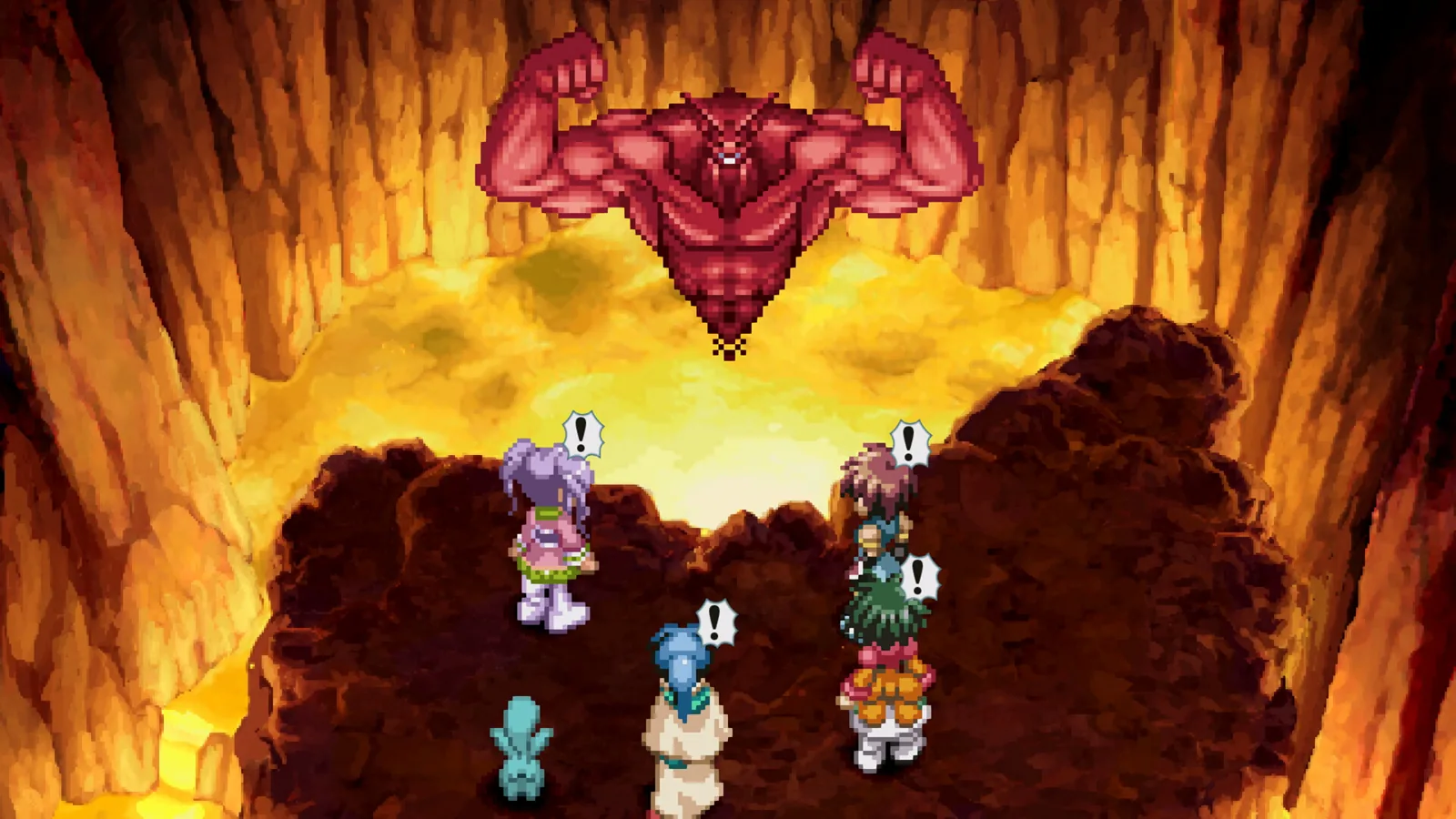
Footage captured on current-gen consoles shows saturated color and even contrast through animated cutscenes and wide battle overviews, with 60 FPS holding during A-LMBS encounters. On a 4K television the image is the tidiest of the group: same 2D art, cleaner output.
Nintendo Switch
Asset quality, color balance and character detailing match the PlayStation and Xbox builds. Handheld is where Switch quietly wins for pixel fans — the art reads as dense rather than stretched on a small screen, and the blurring that low-resolution sprites suffer on a big TV mostly vanishes.
PlayStation 4
Background tiles, battle sprites and lighting saturation match the PS5 build. What separates it is native output resolution on 4K panels, plus the 30 FPS target.
PC (Steam)
DirectX 12 handles rendering and the scaled UI, and entry-level cards clear the bar. PC players have logged a couple of rough edges, covered next.
Widescreen, Cutscenes, and the Interface
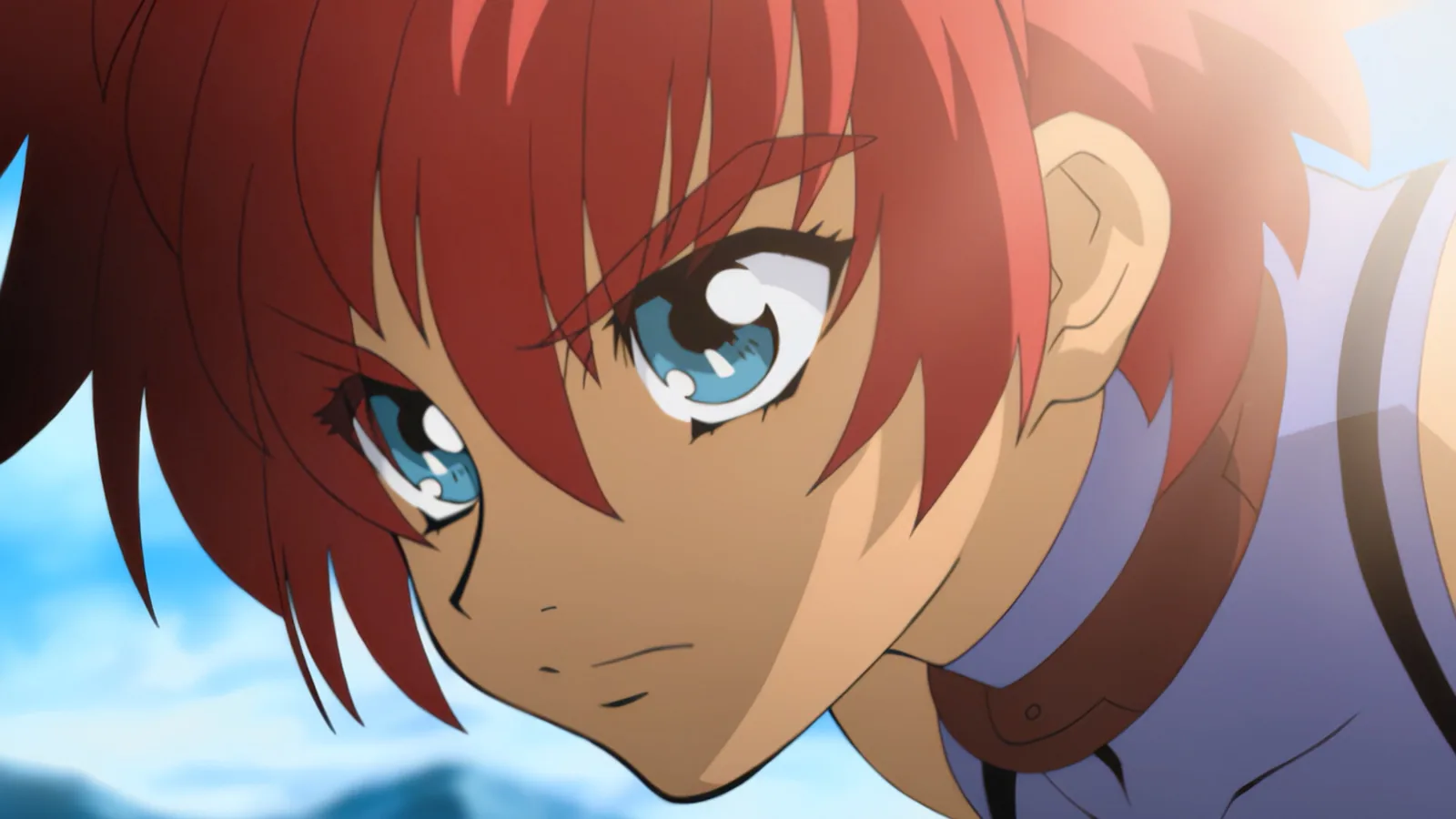
The 16:9 presentation is not a clean reframe. A Russian-language Steam news post from October 16, 2026 reports that stretching to 16:9 crops the original 4:3 frame top and bottom, so in story scenes a speaking character occasionally sits partly off screen. That post also covers the animated scenes, processed through neural networks without manual redrawing — contour distortions and facial artifacts are easy to spot on a modern monitor. The opening movie is set to GARNET CROW's "flying", announced in a July 8, 2026 Steam post.
| What players report | Where it shows up | Effect on the picture |
|---|---|---|
| 4:3 frame cropped at top and bottom | Story scenes on 16:9 output | A speaking character can fall partly off screen |
| Neural-network upscaling of animation | Opening movie and cutscenes | Contour distortion, facial artifacts |
| Jerky camera on diagonal running | PC | Movement looks uneven |
| Unstable gamepad input in the main menu | PC | Menu navigation misreads |
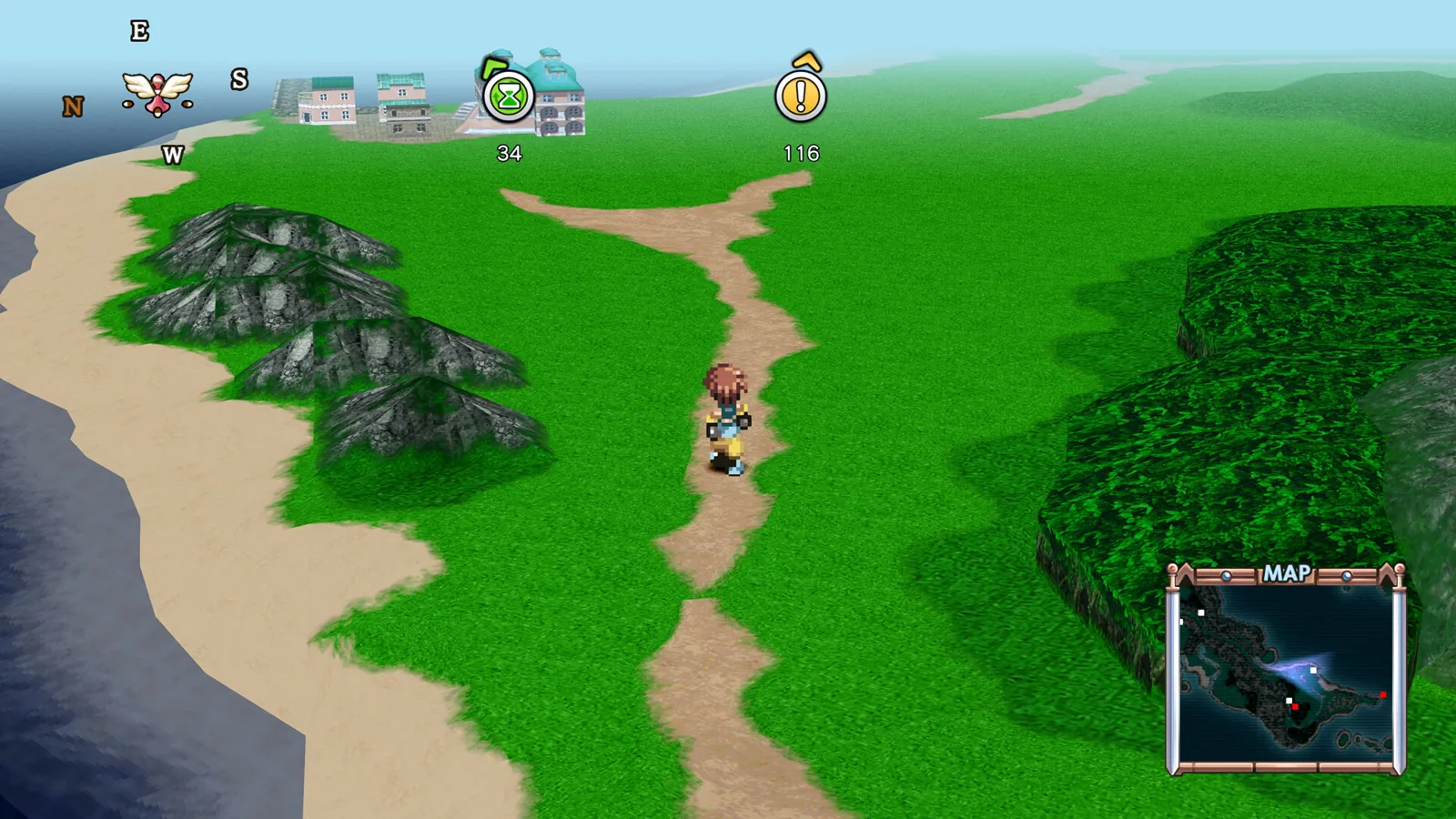
Interface work went the other direction. A launch-day update added a font switcher, victory quotes and Mystic Artes dialogue picked up on-screen subtitles with character portraits, and the field gained objective markers, item icons and arte-unlock notifications — all catalogued on Tales of Eternia Remastered Wiki. Battle scenes use the full 16:9 width, so movement and spellcasting stay readable.
| Addition | What it does |
|---|---|
| Font switcher | Toggles modern Remaster text and the retro Classic typeface |
| Battle subtitles | Victory quotes and Mystic Artes dialogue get text plus character portraits |
| Field markers | Objective destinations, item icons, arte-unlock notices |
| Widescreen battle layout | Combat uses the whole 16:9 frame |
One framing note from the reviews: a PS5 review posted to Steam news on October 14, 2026 describes the release as "Based on the PSP release of the PlayStation classic", brings a new English localization and script with skits restored, and still admits a "sometimes dated-looking facade".
Steam Cloud, Achievements, and Save Data
Steam Cloud Support and Save Details
On October 18, 2026, the Steam store page listed Steam Cloud and Steam Achievements as supported features, alongside single-player and Family Sharing. In plain terms, cloud saves are a store-listed feature of the PC build, so a save tied to your Steam account can follow you between machines. The listing does not spell out slot counts, manual export, or whether anything carries across to consoles. Console save behavior is equally unpublished, so treat any quoted slot count as unconfirmed until Bandai Namco says otherwise.
Achievements: Confirmed Details
Steam Achievements appear on the store page as part of the feature set, which is the strongest statement available. Tales of Eternia Remastered Wiki reports the achievement list was built fresh for the remaster and tracks story progression, but that is a community claim, and no total count has been published. The same wiki's platform list names Windows PC, PS4, PS5, Xbox Series X|S, Switch and Switch 2 without a trophy or achievement tally. Practical move: after installing, open your platform's own achievement panel — it is the only list that will match your copy exactly.
| Store-listed feature | Status on Steam, October 18, 2026 | What it covers |
|---|---|---|
| Steam Cloud | Listed | Save sync tied to your Steam account |
| Steam Achievements | Listed | Platform achievement support |
| Single-player | Listed | One player only |
| Family Sharing | Listed | Library sharing across accounts |
FAQ
Can you switch back to the original graphics at any time?
Yes. Graphic Mode sits in the menu and works mid-play, and the font toggle lets you pair retro art with the Classic typeface. If the whole Tales of Eternia Remastered graphics comparison comes down to one lever, that lever is it.
Which platforms run at 60 FPS?
Steam targets 1080p at 60 FPS, current-gen consoles are reported at 60 FPS in combat and field exploration, and Switch is listed at 60 FPS as well. PS4 is the outlier at 30 FPS.
What version is the remaster built on?
The 2005 PSP release, itself an enhanced widescreen port of the 2000 PlayStation original. That is why the sprites and tile work feel of that era rather than rebuilt from scratch.
Do the console versions output at 4K?
No official resolution figures have been published for the console builds. Community reporting goes only as far as saying current-gen hardware gives the cleanest image on 4K panels, while PS4 matches the detailing but not the 4K output compatibility. Treat specific numbers as unknown until Bandai Namco publishes them.
Related Articles
Continue Reading
Differences and Changes
What Tales of Eternia Remastered changes from the original: quality-of-life options, retranslation and redone voices, skits, boosts and difficulty.
New Features and QoL Changes
Quality-of-life features, difficulty modes, boost settings, original-mode toggles and edition differences in Tales of Eternia Remastered.
Switch 2 Upgrade: What We Know
What the official platform list and a player report say about a Switch 1 to Switch 2 upgrade path, save carry-over and reported resolutions.
Switch vs Switch 2
What launch material actually documents about Tales of Eternia Remastered on Switch and Switch 2, and which differences are real versus assumed.
Language and Audio Guide
Which voice and subtitle languages Tales of Eternia Remastered lists, plus notes on importing Japanese and European physical copies.
Combat Guide: A-LMBS Basics
Tales of Eternia Remastered combat guide: control modes, Arte chains, Craymel Cages, summons, and the remaster QoL toggles, with exact tables and steps.